The starting setup

Your counter is already enough.

Tillo starts in a browser with an ordinary USB scanner and browser printing. Everything else is optional.

  • 01Browser
  • 02Keyboard-wedge scanner
  • 03Browser print
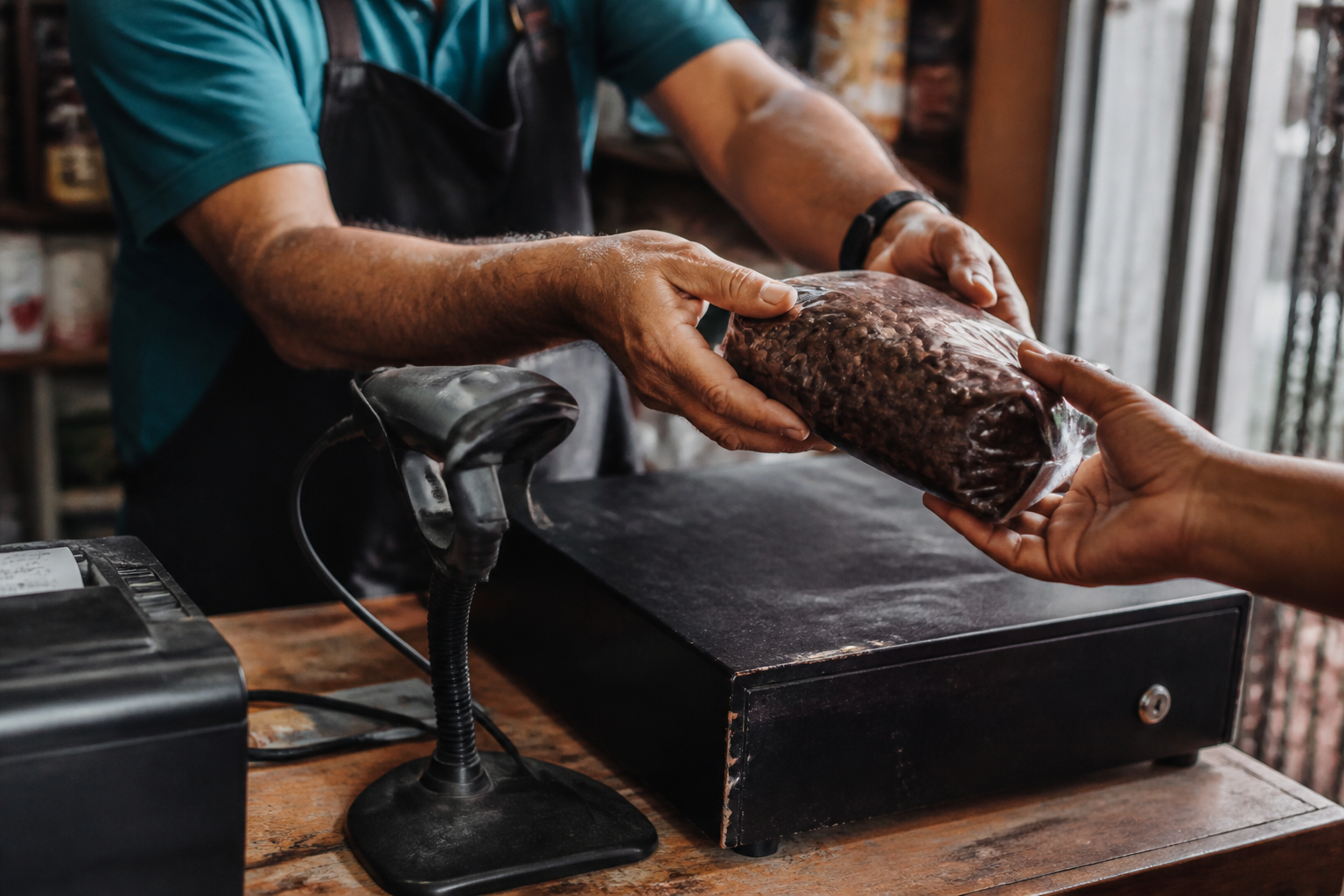
Hands scanning coffee packages at an everyday shop counter beside a receipt printer

An ordinary counter at work: scanner, printer, browser.

Runs on what you own

Three dependable paths at the counter.

No installable native shell exists in v1. The supported configuration is deliberately browser-first.

  • USB scanA keyboard-wedge scanner needs no setup; the scan field keeps focus after every read.
  • Camera scanA secondary option when the browser grants camera permission; it never replaces the baseline scanner path.
  • PrintBrowser printing is always available. A local raw bridge is optional for specialized receipt or label printers.

Clear cost boundary

Included means required. Optional means separate.

Choose any row to see its exact condition. Hardware and provider costs are external and shown separately before activation.

Included

Optional · external cost

Receipt truth

Clear before the paper leaves the printer.

Country is deployment configuration: one profile is seeded per deployment. When none applies, Tillo fails closed and produces a non-fiscal document.

Almacén Rivera

Centro · Caja 2 · María García

op-004218
Café Sur 500 g ×2
$17.00
Cash
$20.00
Change
$3.00

Provisional LOC-C2-004218

Canonical TIL-0008421

Non-fiscal receipt
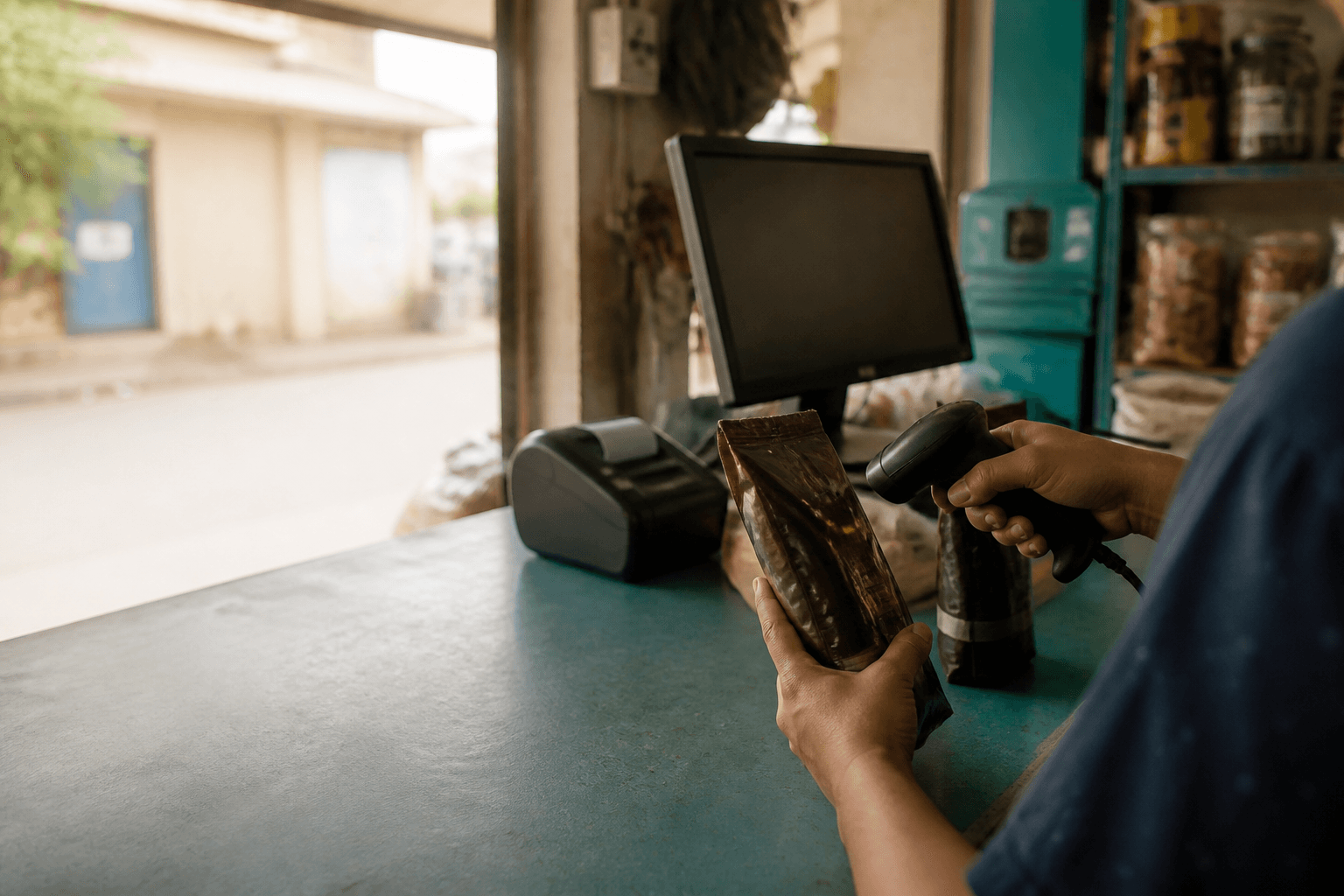
Hands passing a coffee package across a USB scanner beside a printer and cash drawer

Your browser. Your scanner. Your printer.

Ready at the counter

Nothing else is required to begin.

  • Browser
  • USB scanner
  • Browser print
Start with Caja